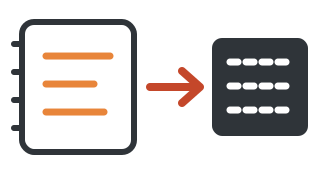
RSS is like subscribing to a newspaper from a website: whenever a site you care about posts something new, it is delivered to a single "mailbox" of yours, so you don't have to visit each one.
2
How is it different from scrolling the news?
THE USUAL FEED
The platform picks for you and decides what you see
The more you scroll, the more there is, and when the site you wanted updates, it may get pushed out of sight.
WITH RSS
You choose which sites to follow; updates are sorted by time
No one picks for you, no recommendations, nothing you didn't sign up for. When you're done, it's empty.
Put simply: a feed is the restaurant serving you a set menu; RSS is ordering what you want.
3
How does it work?
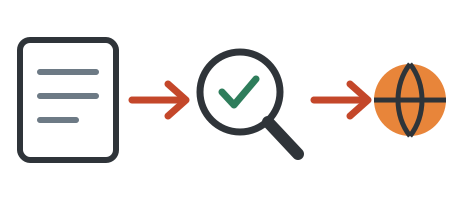
① A site posts a "subscription list"Many websites, blogs and podcasts publish an open list of their updates. That is RSS.
② You set up a "mailbox"That is a reader app. Add the sites you want to follow.
③ The mailbox checks on a timerEvery so often it looks at each list and fetches any new articles.
④ Open it and readAll new items line up in one column, and ones you've read get marked automatically.
4
What do people use it for?
Following blogsGet a favorite author's posts as they appear
PodcastsPodcast apps run on it behind the scenes
Tracking an industryRead a dozen sites in one place
Letting AI read for youA program fetches new articles from the lists and has an AI summarize them
5
What it can't do
Not everywhere can be followedA site has to publish a list for you to follow it. Content locked inside many platforms and apps offers no RSS, so you can't subscribe. Some lists give only the headline and first few lines, and you must click through for the full text.
What does this mean for me?
If you often feel "I scrolled for an hour and never saw what I wanted," RSS puts you back in control: you decide what to read, and when you finish, you are finished, with nothing pushing you to keep scrolling.